How to Start a GTA 6 Blog: Complete Setup Guide 2026
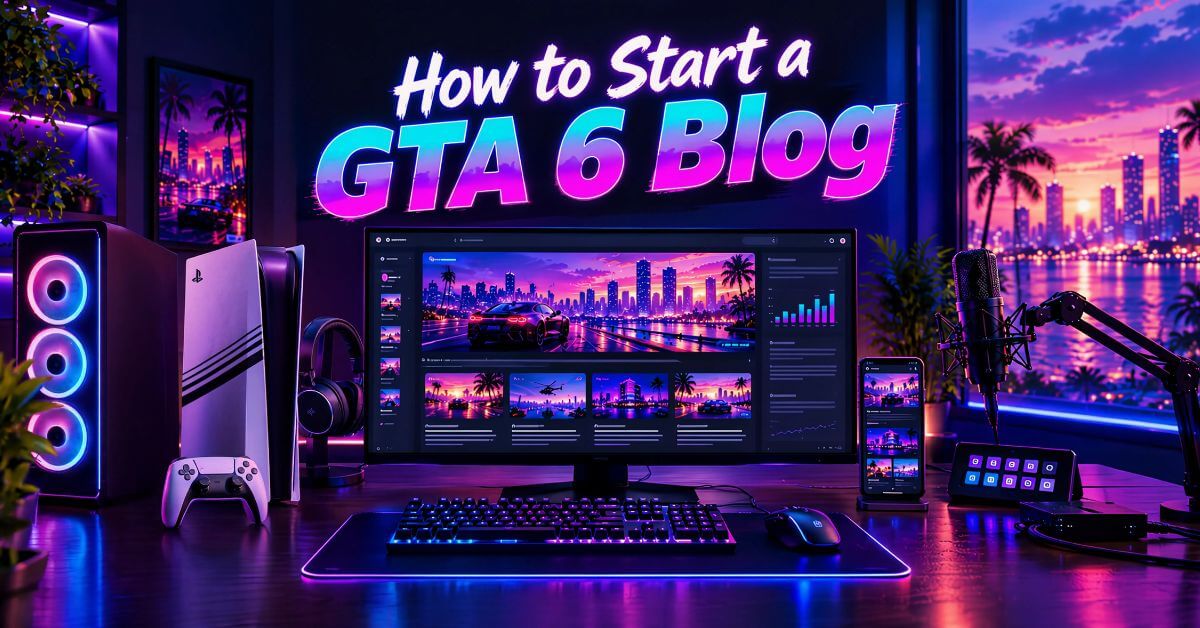
GTA 6 launches November 19, 2026. Search interest is already climbing. Most of it has nowhere good to land yet. A handful of huge outlets cover the big news. Almost nobody is building a real, focused GTA 6 site the way search truly rewards.
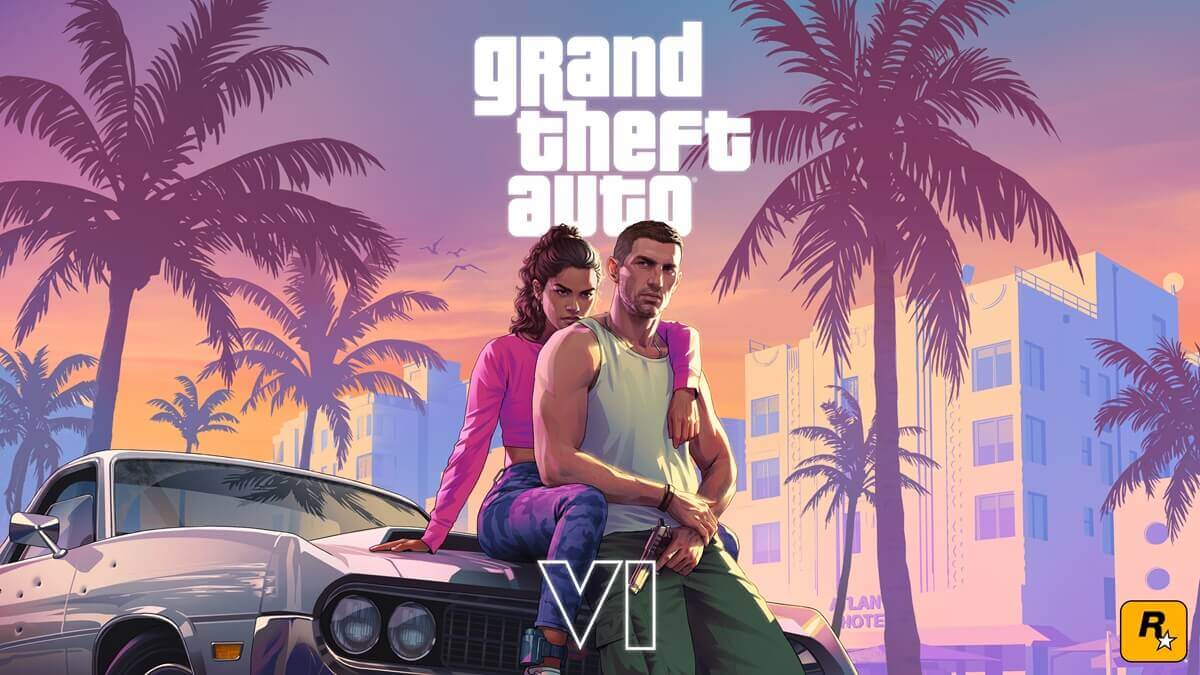
That gap is the opportunity. A text-first blog works differently than a YouTube channel or TikTok account. You’re not chasing views. You’re building a page Google trusts, one that ranks for years and keeps earning long after the launch hype fades.
This guide walks through the entire setup, explaining how to start a GTA 6 blog: domain, hosting, WordPress, theme, plugins, technical SEO, content structure, and how to make money from it. No fluff, no guessing, just the real steps.
Step 1: Pick a Domain That Gives You Room to Grow
Your domain name matters less than most guides claim, but it’s still a crucial part of GTA 6 blogging strategy.
Avoid stuffing “GTA6” or similar keywords into your domain if you can. An EMD or PMD, or a domain name tied too tightly to one game, ages badly once the next big release comes along.
Pick something short, easy to pronounce, and easy to spell from memory. If a great GTA 6-specific name is available, that’s fine. Just know you may eventually widen your coverage. A flexible name gives you room to grow later.
Step 2: Choose a CMS Built for News, Not Just Blogging
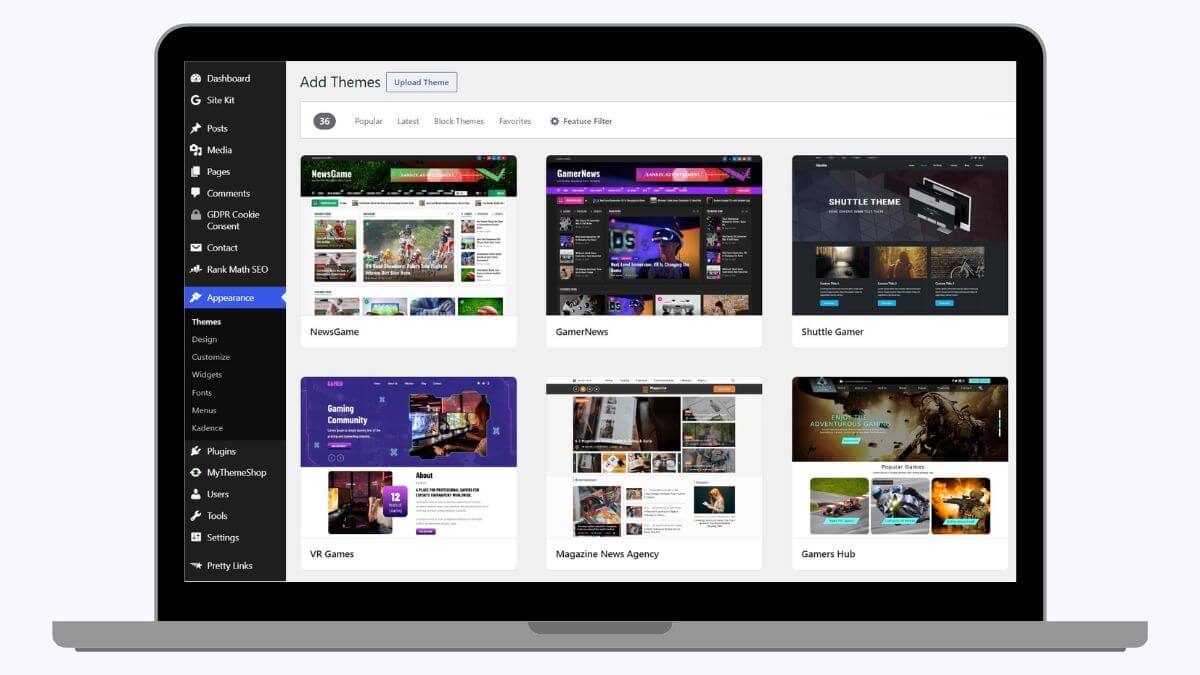
WordPress is the top choice for gaming news sites because of its extensive plugin ecosystem, strong SEO tool integration, and solid hosting support. While other CMS options offer faster initial performance, they lack the plugin capabilities needed for essential features such as schema, sitemaps, and ad management.
Unless you have a specific technical reason to choose otherwise, WordPress is the right call for a GTA 6 news site. The rest of this guide assumes you’re using it.
One more practical point: whichever CMS you choose, avoid switching later if possible. Migrating a live site with real traffic and rankings is extremely risky. URLs can break, redirects get missed, and Google can temporarily lose trust in pages that suddenly moved. Pick carefully now to avoid that entire problem later.
Step 3: Choose Hosting That Won’t Fall Over on Launch Day
Picking a hosting provider is hard to undo later. A slow host drags down every page on your site. Since site speed and Core Web Vitals affect Google rankings, choose a reliable, fast web host that can handle your traffic without throttling.
For a new GTA 6 blog, you have real choices depending on budget and expected traffic.
1. Hostinger WordPress Hosting
Hostinger is the easiest starting point for a small, growing site. Plans start around $2.99/month. It offers affordable hosting for beginners who don’t want to manage server settings. The starter plan may look basic, but higher plans include unlimited websites, a free domain, NVMe storage, daily backups, a free CDN, and Hostinger AI tools. Overall, Hostinger is a solid pick if you’re testing the waters before committing to something bigger.
2. ChemiCloud Web Hosting
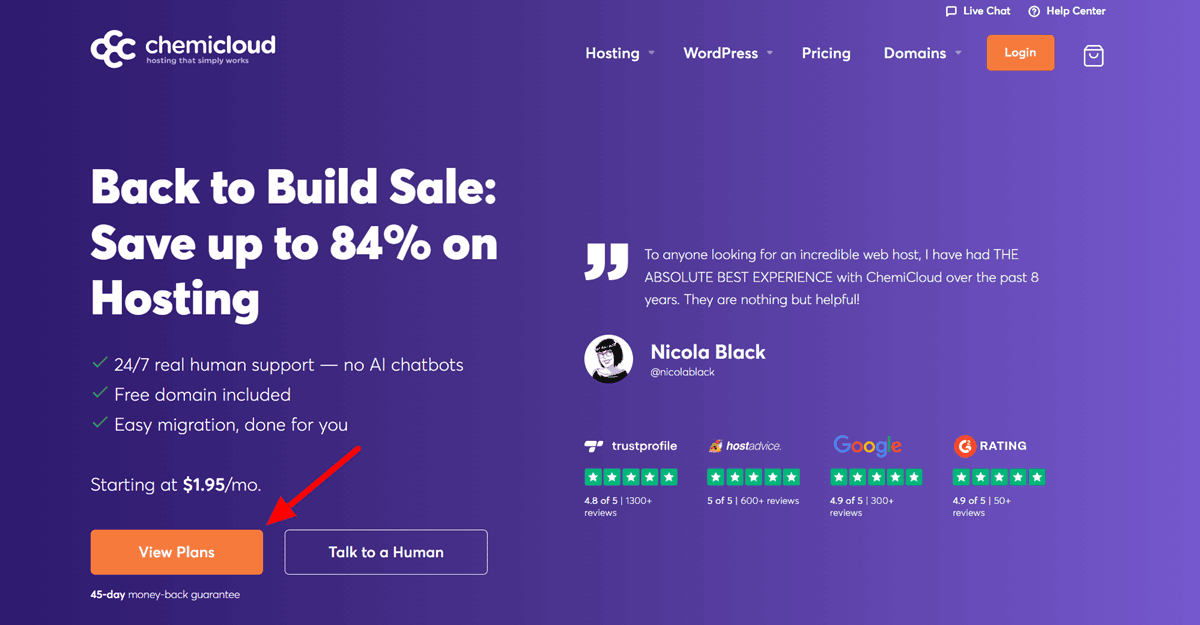
ChemiCloud is a step up from the basics without jumping straight to cloud hosting. Plans start near $1.95 a month on longer terms, with free SSL, daily backups, and solid uptime. It also offers a free domain for the first year and a free website transfer if you switch from your current host. The best part about ChemiCloud hosting is 24/7 real human support, no AI chatbots like most hosting companies use.
3. Cloudways Managed Cloud Hosting
Cloudways is the upgrade path once your GTA 6 news site starts pulling real traffic, especially around launch week. It runs on cloud infrastructure like DigitalOcean. Pricing starts around $14 a month. It handles sudden traffic spikes far better than shared hosting does. If your site is going to see a launch-day surge, this is where you want to be by then.
Want to dive in?
Grab a special Cloudways coupon for 40% off all hosting plans for 4 months, plus unlimited free migrations for a limited time.
A practical plan: start on Hostinger or ChemiCloud while building content. Move to Cloudways once your traffic climbs before November 19.
A Note on Staging Environments:
Once your site is live and earning traffic, never test major changes directly on the live version. Cloudways includes a one-click staging environment on every plan. Test theme updates and new plugins there first, then push changes live once you know they work.
Step 4: Install WordPress and Set the Foundation
Every host above offers one-click WordPress installation. Use it. There’s no real reason to install WordPress manually anymore.
Once it’s live, change three things immediately.
- Set your permalink structure to include the post name, not a date or number string.
- Turn off search engine visibility only if you’re still testing, and remember to switch it back before launch.
- Set your timezone correctly, since it affects your publish scheduling.
Step 5: Choose a Theme Built for Speed, Not Just Looks
Your theme affects load time more than almost anything else on your site. A bloated theme slows every single page down, forever, until you switch.
Astra WordPress Theme
With over 1 million downloads and 6200+ five star reviews, Astra is the more popular pick for new GTA 6 sites. It’s fast, and it has a reliable free version. Astra Pro runs somewhere between $47 and $69 a year depending on the bundle. It works well with nearly every page builder. It also includes solid built-in schema support.
GeneratePress
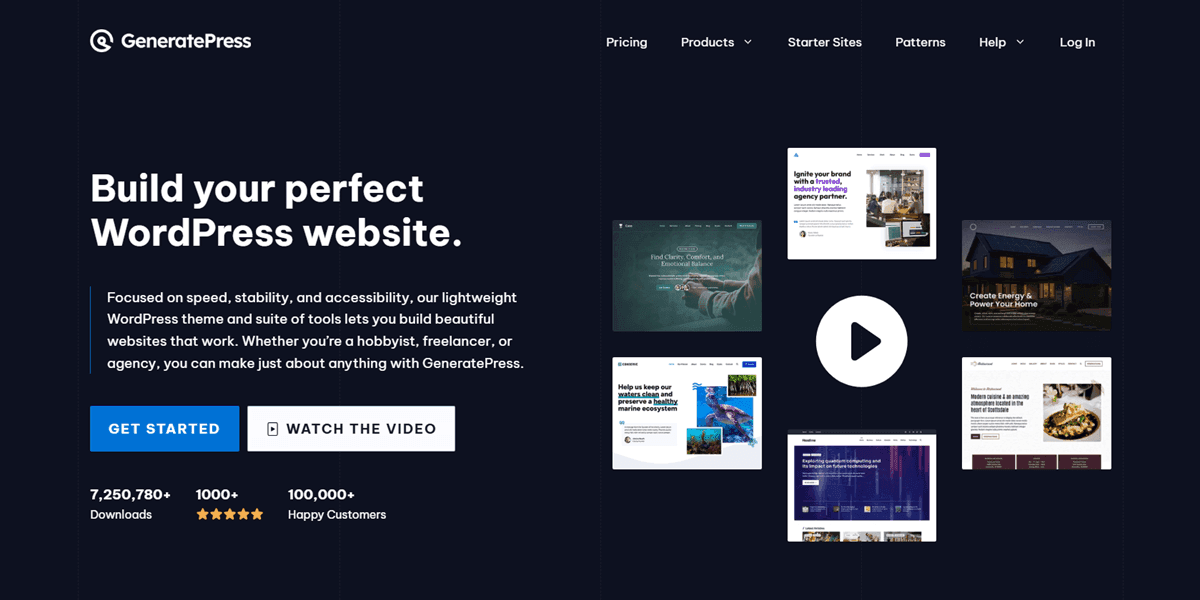
GeneratePress WordPress theme is the other strong option, especially if raw speed matters more to you than visual flexibility. It’s slightly lighter than Astra in most benchmarks. The real-world difference is small once both are properly cached. Pricing sits in a similar range to Astra Pro; check GeneratePress’s official site for the current figure before buying.
Neither theme is a wrong choice. Astra suits builders who want more built-in templates. GeneratePress suits people who want a leaner base and don’t mind a bit more setup.
Step 6: Install the WordPress Plugins That Truly Matter
Resist installing twenty plugins in your first week. Start with a handful that do real, measurable work.
1. Rank Math Pro SEO
It handles your on-page SEO. It manages schema markup, sitemap generation, keyword tracking, and Google News sitemap support, all from one plugin. Pricing starts around $8/month when billed annually. It covers unlimited personal websites, which matters if you plan to run more than one site later.
2. WP Rocket
It is the caching plugin most WordPress professionals actually recommend. It costs $59 a year for a single site. It handles page caching, lazy loading, and database cleanup without much manual setup. A fast site isn’t optional for a news blog. Every second of load time costs you readers and rankings both.
3. Pretty Links
This plugin manages your affiliate and outbound links from inside WordPress. It gives you clean, branded short links instead of long, ugly URLs. It also tracks clicks, so you know which affiliate placements are actually working. Pricing starts under $100 for the first year on the entry plan.
That’s a functional tech stack: SEO, speed, and link management. Add more later once you know what you need.
Step 7: Get the Technical SEO Right From Day One
This is the part most new gaming blogs skip. It’s also the part that decides whether Google trusts your site at all.
Google News Optimization
If you want breaking GTA 6 news to show up in Google News and the News tab, you need consistent, frequent publishing, clear headlines, and a proper news sitemap. Rank Math generates this automatically once you enable it in settings.
Crawl Budget and Indexing Speed
Google crawls only so many pages per day, especially on a new site. Thin, low-value pages waste that budget. Keep your site focused. Avoid publishing filler content just to meet word counts.
Structured Data and Article Schema
Every article should carry proper schema markup identifying it as a news article, with an author, a publish date, and a headline. This helps Google understand your content. It can also earn you richer, more clickable search results.
Core Web Vitals (CWV)
Google measures how fast your pages load, how quickly they respond to input, and how much your layout shifts while loading. WP Rocket and a properly configured theme handle most of this automatically. Still, check your scores in Google Search Console regularly.
Mobile-First Indexing
Google indexes the mobile version of your site first, not the desktop version. Test your site on an actual phone, not just your browser’s resize tool.
Canonical Tags and XML Sitemaps
These prevent duplicate content confusion. They tell Google exactly which pages matter most. Rank Math handles both automatically once it’s configured correctly.
Fix Slow Pages First, Before Chasing New Content
If Search Console flags pages as slow, fix those before publishing more. A few fast, well-optimized pages outperform many slow ones.
Submit your sitemap to Google Search Console the day your site goes live. Don’t wait until you have fifty articles published.
Step 8: Structure Your Content So It Builds Authority
A pile of random posts doesn’t build authority. A clear structure does.
Category Taxonomy
Set up clean, specific categories from day one: News, Patch Notes, Guides, Vehicles, Characters, Map, Mods. Avoid a catch-all “GTA 6” category where every post is dumped.
Internal Linking
Every new post should link to two or three related older posts. This spreads authority across your site and keeps readers on your pages longer, helping your rankings over time.
Topical Authority
Google trusts sites that cover one topic deeply over sites that cover many topics shallowly. Stay focused on GTA 6 and its surrounding ecosystem. Resist branching into unrelated gaming news too early.
Breaking News and Patch Notes Templates
Build a repeatable format for fast-turnaround posts: what changed, why it matters, and a short analysis section. This speeds up publishing once real news breaks weekly.
A Mod Review Category, Planned for Post-Launch
Once GTA 6 launches and the modding community forms, a dedicated mod-coverage category becomes valuable. Set the category structure now, even if it stays empty until there’s something to put in it.
Separate Confirmed News from Speculation, Clearly
Label leaks and rumors clearly in the headline and body. This protects your credibility and keeps you out of the legal gray area covered next.
The Copyright Line, Briefly
The full breakdown of Rockstar’s copyright rules for footage, screenshots, and leaked material lives in the complete creator monetization roadmap.
The short version for a blog specifically: official screenshots and trailer stills are safe to use with proper attribution. Leaked, unreleased material carries real risk. Posting it as your own coverage angle is the habit most likely to draw a takedown request.
One practical note worth knowing: Rockstar doesn’t publish a single, formal press kit the way some publishers do. It does maintain an official media gallery on its own website.
That gallery gets updated after every major reveal with new screenshots and artwork. That gallery is your safest, most reliable source for images, ahead of anything sourced secondhand from another site.
➡️ Also Read: How to Make GTA 6 Shorts (2026 Viral Workflow)
Step 9: Build the Trust Signals Google and Readers Both Want
E-E-A-T isn’t a checkbox. It’s a real signal Google’s guidelines describe directly. A brand-new gaming blog must work harder to earn it than an established outlet.
1. A Real About Page
Say who runs the site, why it exists, and what makes your coverage different. A vague, generic about page is a red flag to both readers and Google.
2. Author Bios with Real Credentials
Every article should show who wrote it, with a short bio explaining relevant experience. Anonymous, byline-free content creates a trust problem for a news site.
3. Editorial Guidelines Page
A short page explaining how you handle leaks, corrections, and sourcing builds credibility. Few small gaming blogs write one, making it a real differentiator.
4. Contact Page and Privacy Policy
These aren’t optional. Google’s guidelines call out sites without them as lower-trust. Readers notice their absence, especially on a news site wanting to be taken seriously.
5. Domain Entity Establishment
Over time, a consistent brand name, a real about page, and citations from other sites help Google see your site as a genuine entity, not just pages. This builds long-term authority slowly but surely.
Step 10: Write Content That Actually Holds Up
You don’t need to write every word by hand. But every published piece must hold up under scrutiny.
SEO Writing AI is useful as a drafting and research aid, not a publish-and-forget tool. Pricing starts around $19 a month for 50 article drafts.
Use it to speed up first drafts and structure. Fact-check every claim before publishing, as you would with a human writer’s first draft. Google’s guidelines penalize unedited, unchecked, low-value content, not AI-assisted writing.
One honest caveat: a passing AI-detection score is not a Google ranking factor. Google doesn’t use third-party detectors, which are unreliable, flagging genuine human writing as AI and missing AI-generated text. Tools like Originality.ai are useful for plagiarism checks, catching text that closely matches existing sources before publishing. Use it as a quality-control step, not as proof Google checks it.
Step 11: Plan Your Content Calendar Around the Game’s Actual Cycle
A gaming news site lives and dies by its publishing rhythm, and that rhythm should follow the game, not a generic weekly schedule.
Before launch, your calendar centers on trailers, official announcements, and credible leaks, covered fast and clearly labeled. Right around November 19, shift almost entirely to real-time coverage. Day-one impressions, early player reactions, and anything Rockstar confirms in the first 48 hours all matter now.
In the weeks after, patch notes and community-discovered secrets become your steadiest traffic source. Players actively search for exactly that kind of content.
Planning this shift in advance beats reacting to it as it happens. That separates sites that handle launch week well from those that scramble through it.
Step 12: Build an Audience You Actually Own
A blog that exists only inside Google’s algorithm is fragile. An email list and community are not.
Kit is a popular email marketing automation platform free for up to 10,000 subscribers, which is generous for a new site. It’s built for creators, with tools to sell digital products and run automated sequences once your list grows.
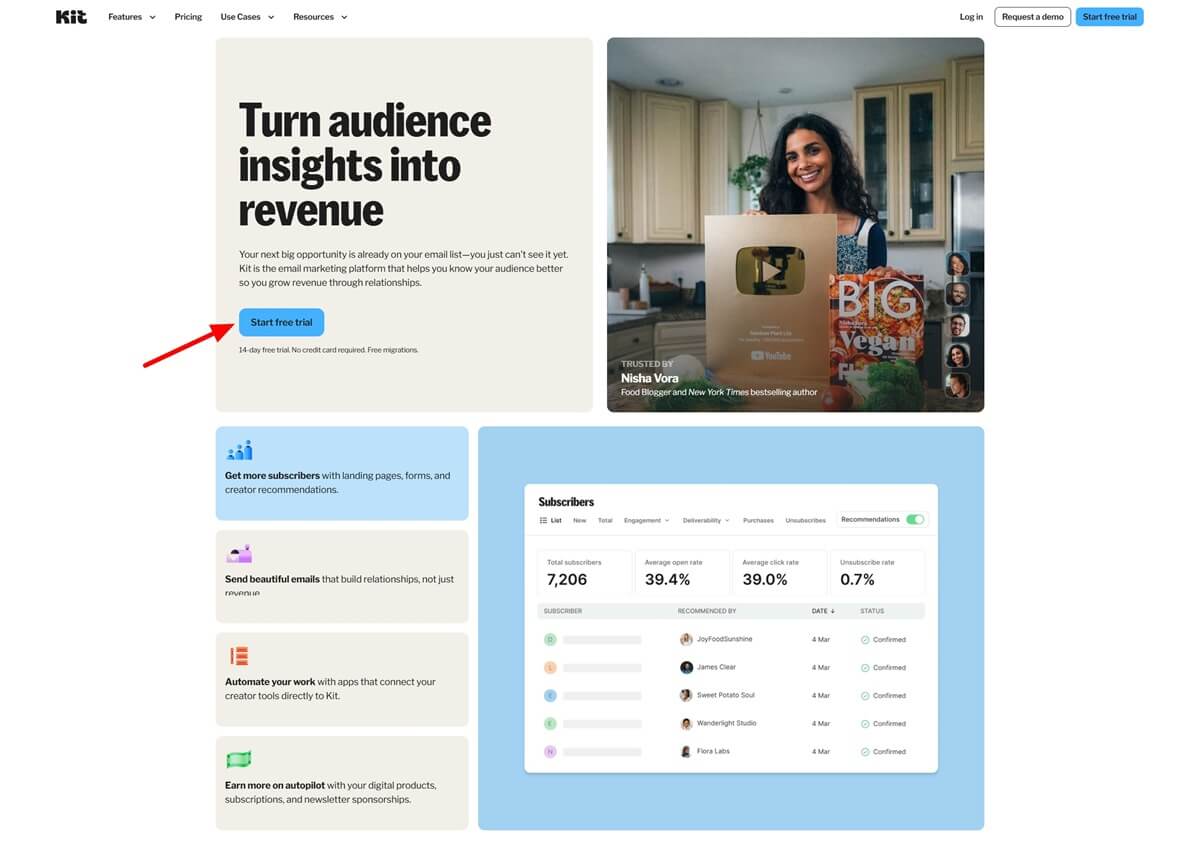
Beehiiv is the newsletter-first alternative, free up to 2,500 subscribers. It includes a built-in ad network that can connect you with sponsors once your list is large enough. Compare the two based on whether automation or built-in monetization matters more to you.
Either one turns casual readers into a direct, owned channel. That channel survives algorithm updates that could wipe out half your traffic overnight.
Skool is worth considering further down the road, once you have a real, engaged readership. It costs either $9 a month with a 10% transaction fee, or $99 a month with a lower 2.9% fee. It’s built for running a paid community rather than just a newsletter. This isn’t a day-one tool, but it’s a real option once your audience is large enough to support one.
Step 13: Research Smarter, and Track What’s Working
Semrush is a must-have research tool once you’re serious about growing organic traffic. Entry pricing is around $117/month billed annually. That’s a real cost for a new site. Add it once you have traffic and revenue to justify it, not on day one. It covers keyword research, competitor analysis, and site audits in one place.
Early on, Google Search Console and Google Trends cover most of what a new GTA 6 blog actually needs, for free.
Benchmark Against Sites Already Covering GTA 6
Look at what’s ranking for your target keywords right now. Note their publishing frequency, their category structure, and where their content feels thin. That’s exactly where a more focused, better-structured site can outperform them.
Track Your Organic Traffic Growth Monthly, Not Daily
Daily swings are mostly noise, especially early on. A month-over-month view shows if your technical SEO and content structure are working.
Getting Noticed by Bigger Outlets
Once your site has a real archive of accurate, well-sourced coverage, pitch it to gaming news aggregators and larger outlets looking for GTA 6 sources. A single credited mention or backlink from a bigger site does more for your authority than dozens of small ones. Reach out with your strongest, most accurate piece of coverage, not a generic introduction email. Editors respond to proof, not promises.
A few practical outreach habits help. Keep a short list of outlets and journalists who regularly cover GTA news, and follow their work before pitching. When reaching out, lead with a specific piece you’ve published with a genuine scoop, useful data, or a unique angle. Generic “check out my site” emails get ignored. Specific, useful coverage gets read.
Being first with genuinely useful content, like a clean database of confirmed vehicles or a well-sourced patch breakdown, earns organic mentions and backlinks without outreach. Aim to be the site others link to for fact-checked sources, not just another voice repeating the same news everyone else already has.
How This Site Actually Makes Money
Display ads are the primary revenue path for a blog like this. They scale naturally with your traffic. Once you have consistent visitors, ad networks pay based on impressions and clicks, no separate sales process required.
Affiliate links are the second layer. Hosting, themes, and plugins like the ones covered above are natural affiliate categories here. This site teaches people how to build their own blog, after all. Gaming-adjacent hardware and software also fit naturally into review and guide content.
Balance matters here. Too many ads on every page frustrate readers. It can hurt site rankings since Google’s guidelines consider ad density and placement. Keep placements sensible. Prioritize reading experience over squeezing every impression.
Linking to the Game and Hardware Itself
Beyond the tools you use to build the site, an often-overlooked affiliate category ties directly to your topic: the game and the hardware to play it on.
A “which console should I buy for GTA 6” or “should I buy GTA 6 on PS5 or Xbox” post is a genuinely useful piece of content, and it’s also one of the highest-intent, bottom-of-funnel pages a GTA 6 blog can publish. Someone searching that exact question is close to a purchase decision already.
As of recent pricing, the PS5 Pro costs $899.99 with 2TB storage, while the Xbox Series X is $799.99 with 1TB. That $100 gap and storage difference are worth explaining plainly in any comparison post, since readers weigh that tradeoff.
Link directly to the game on PS5 and Xbox, and to both gaming consoles where relevant, rather than making readers search after your recommendation.
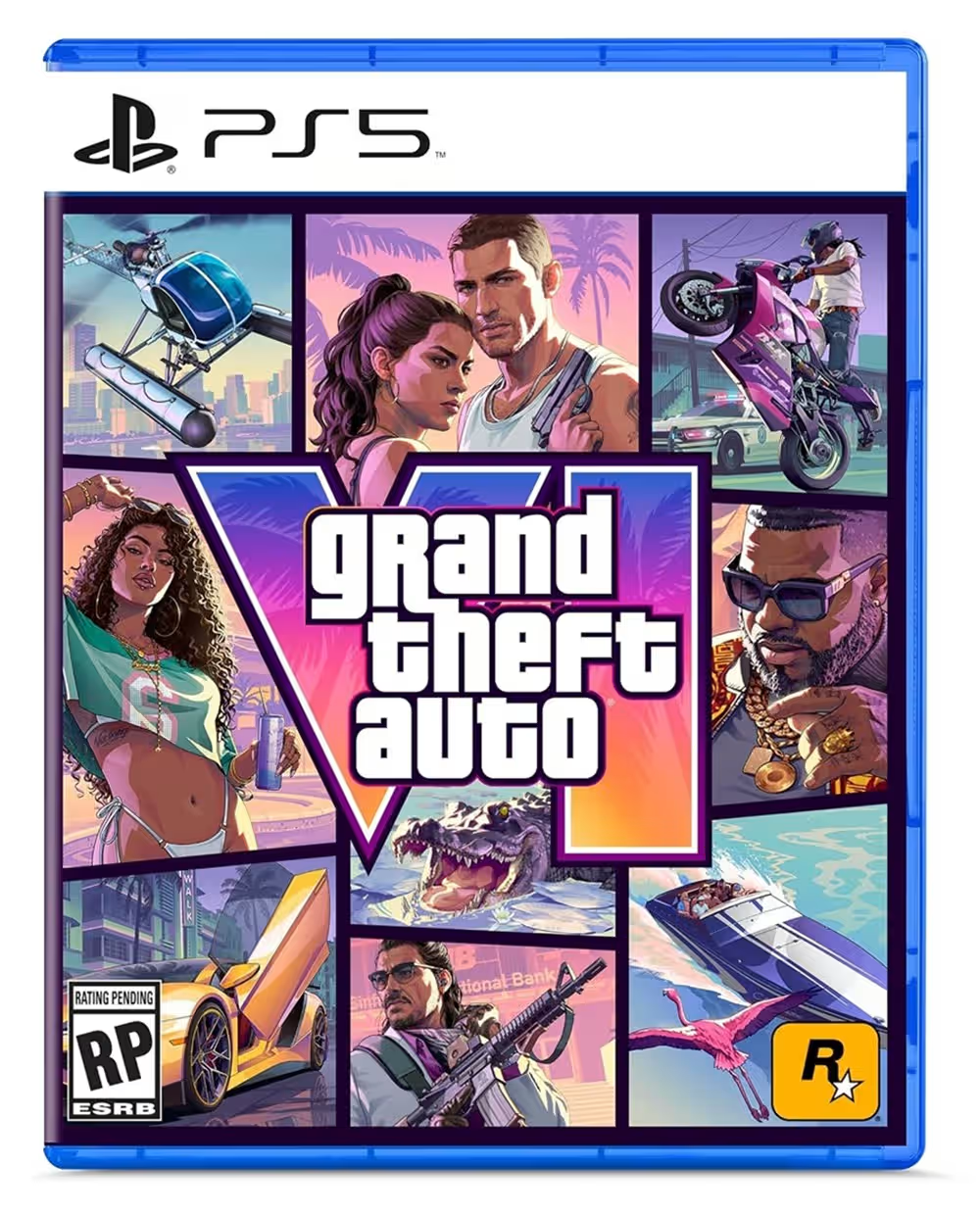
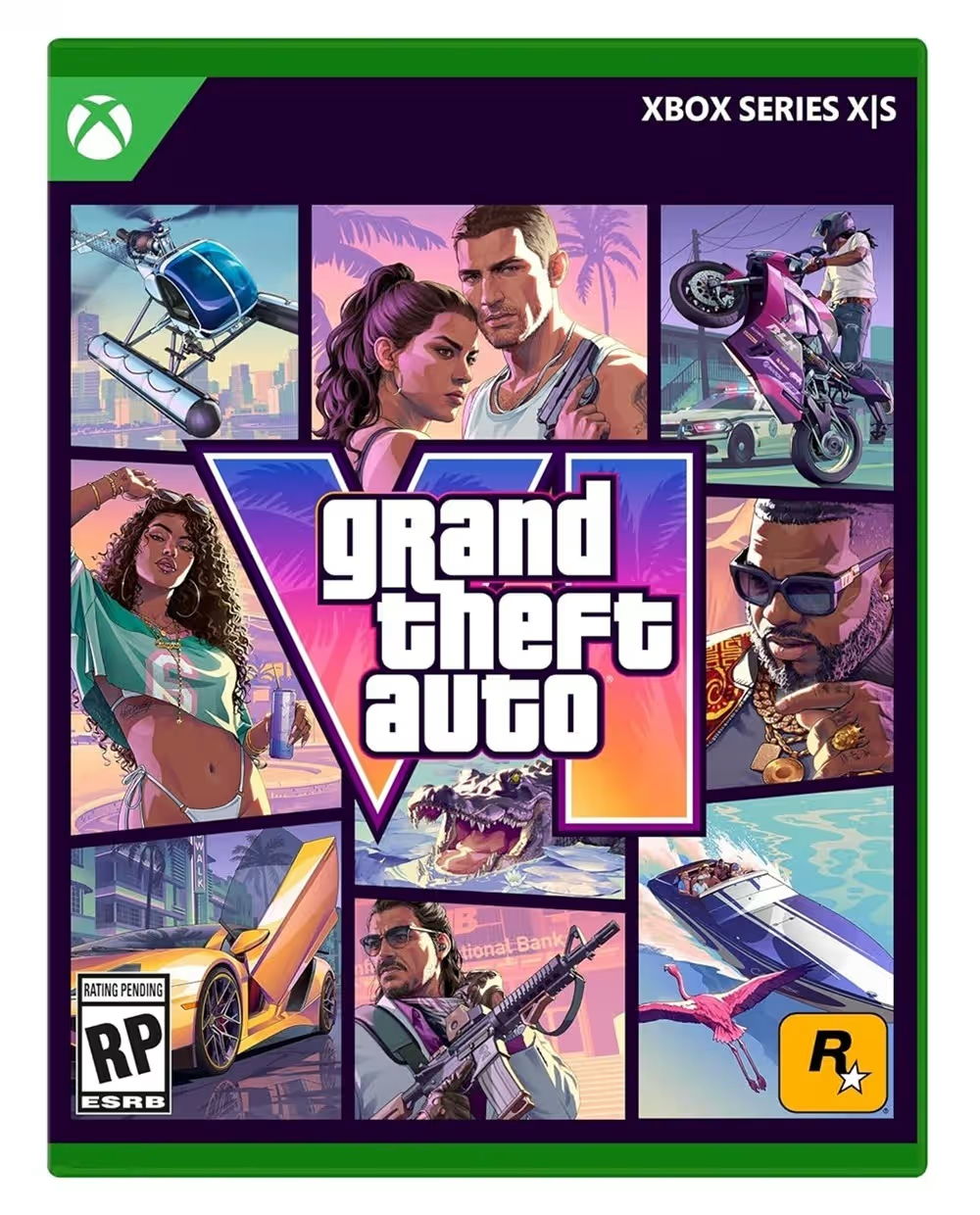
AAWP is the plugin that makes this practical on WordPress. It generates properly formatted Amazon product boxes with current pricing pulled automatically, not a price typed once and forgotten.
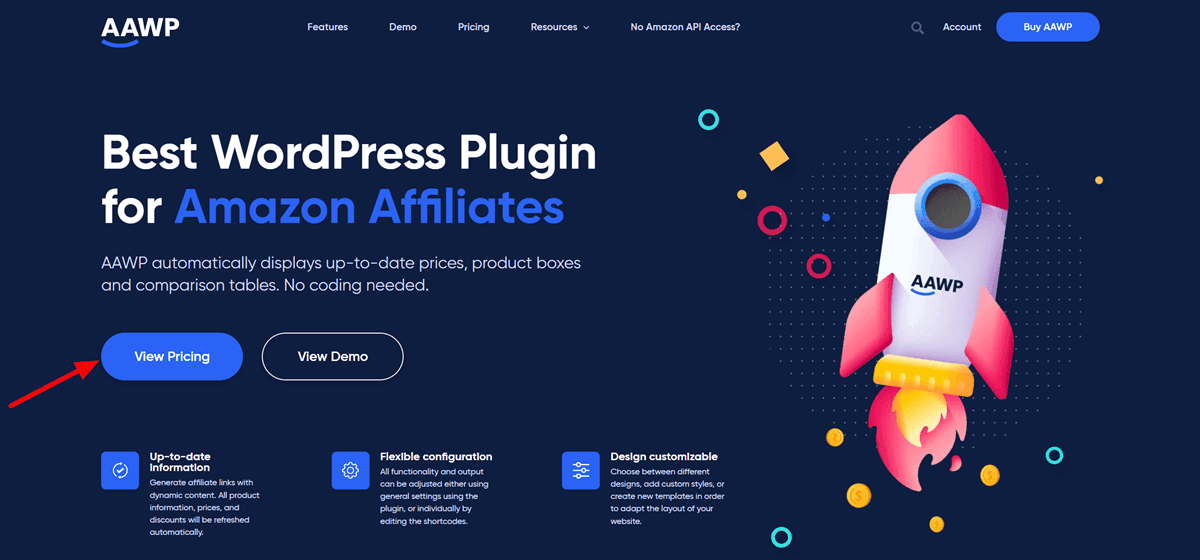
This matters since stale prices on old posts look unreliable to readers and violate Amazon’s affiliate terms. Add it once your site recommends physical products, not just console comparisons.
➡️ Also Read: GTA 6 Streaming Guide 2026: The Best Platforms, Broadcast Setup & Payout Splits
Setting Up Analytics From Day One
Google Search Console and Google Analytics need to be set up before publishing your first real article, not after noticing traffic issues.
Search Console shows you exactly which queries bring people to your site. It also shows how your pages rank and whether Google has flagged any technical issues. It’s free, and it’s the single most useful tool for a new gaming blog, ahead of anything paid. Analytics shows you what happens once someone actually lands on your site. Which pages they read, how long they stay, and where they drop off, all of it.
Connect both the week your site goes live. Waiting even a month means losing useful early data on how your first articles performed.
A Note on Ad Networks
Once your traffic is consistent, display ad networks become a real revenue source. Entry-level networks accept smaller sites with modest traffic. Their payouts per visitor tend to run lower than premium networks, which require a higher traffic threshold to join.
Gaming-focused traffic in particular can carry a genuinely higher payout rate than general content. Advertisers targeting a gaming audience specifically are willing to pay more for it.
Don’t chase premium ad networks before qualifying traffic. Start with an accessible network, focus on growing real traffic, and upgrade once you hit the threshold. Switching ad networks later is easy. Losing readers to a cluttered, ad-heavy early site is harder to fix.
Building Programmatic Pages the Right Way
A GTA 6 site has a natural opportunity most single-article blogs don’t: structured, repeatable data. Vehicles, weapons, characters, and locations all follow the same basic template. That makes them a strong fit for a programmatic content structure, once the game has enough confirmed content to build from.
The idea is simple. Build one well-designed template for a vehicle page with consistent fields for stats, images, and a short write-up. Apply that template across every vehicle once data exists. Done well, this builds a genuinely useful, wiki-style resource that can rank for hundreds of specific, long-tail searches individually.
Done poorly, with thin, auto-generated pages and little real content, it becomes low-value content Google’s guidelines warn against. Each page needs real, specific information, not just a name and stat block copied from a spreadsheet. If you lack enough real content to fill a page properly, don’t publish it yet.
Common Mistakes New GTA 6 Blogs Make
A few patterns keep showing up on new gaming blogs that never quite take off.
1. Inconsistent publishing is the most common mistake. A burst of ten posts in one week followed by a month of silence teaches no one to expect anything from your site. Steady, predictable publishing beats sporadic bursts, even if slower.
2. Chasing every trending topic instead of building a real content base is another mistake. A site that only reacts to news has nothing left once a story cools. It needs evergreen guides and reference content beneath the news.
3. Skipping the technical setup until “later” is the third mistake. Sitemap submission, schema markup, and Core Web Vitals are easier to get right from the start. Retrofitting them onto fifty published articles is much harder.
Should You Cover Only GTA 6, or Gaming News Generally?
This decision shapes your whole site, so it’s worth thinking through before you publish your first post.
A GTA 6-only site ranks faster for GTA 6 terms. Google reads the whole domain as tightly focused on one topic. The tradeoff is real too. Once the launch hype fully settles, months after release, your traffic ceiling is whatever GTA 6 alone can sustain long-term.
A broader gaming news site with a strong GTA 6 section builds more durable, long-term traffic. It takes longer to establish topical authority on any single game, GTA 6 included. Competing broad gaming sites already have a head start you’d need real time to close.
A middle path works well for most new sites. Launch narrow and focused on GTA 6 specifically. Build real authority and a real audience there first. Widen into adjacent gaming coverage once your foundation is genuinely solid. Trying to do both from day one usually means neither gets done properly.
➡️ Also Read: How to Start a GTA 6 YouTube Channel and Go Viral
How to Start a GTA 6 Blog: Frequently Asked Questions
Q: Do I need coding skills to start a GTA 6 blog?
A: No. Modern hosting and WordPress themes handle almost everything through a visual dashboard. You’ll need patience and consistency more than technical skill.
Q: How long before a new GTA 6 blog starts ranking on Google?
A: Most new sites see meaningful traffic after one to two months of consistent publishing. This varies by niche competition and how well you handle the technical SEO steps above.
Q: Should I focus on news, guides, or both?
A: Both, ideally. News brings fast traffic spikes around events. Guides and evergreen content keep pulling traffic long after a single news cycle ends. That’s what actually builds long-term site authority.
Q: Is it too late to start a GTA 6 blog before launch?
A: No. Search volume is still climbing toward November 19. Most competing sites aren’t fully built yet. The pre-launch window is genuinely the best time to establish your site’s technical foundation and early content.
Q: How much does it actually cost to start this?
A: A basic setup, hosting, a domain, and a theme can run under $100 for the first year on budget-friendly options. Most of the tools above have a genuinely useful free tier you can start on before paying for anything.
Q: Should I write every article myself, or can I use AI tools?
A: Either can work, as long as every published piece is fact-checked and edited properly. Google’s guidelines penalize low-effort, unchecked content specifically, not AI assistance itself. Treat any AI draft the same way you’d treat a first draft from a junior writer.
Q: Do I need to worry about Rockstar shutting my site down?
A: Not if you stay inside the boundaries covered above. Fan sites covering news, guides, and community content have existed for years around every GTA game without issue. The real risk is leaked pre-release material and content that promotes cheats or unauthorized mods, not general news coverage.
Q: What’s the single biggest mistake to avoid in the first month?
A: Publishing without the technical foundation in place. A site with great content but no sitemap, no schema, and no Search Console setup takes far longer to start ranking than one that gets the boring technical steps right from the very first post.
Conclusion
A GTA 6 blog isn’t a shortcut. It’s a slower build than a viral clip or a trending post, but it compounds in a way social content doesn’t. Get your hosting, your technical SEO, and your content structure right from the start. You’re building something that keeps earning long after the launch hype fades.
What’s the first piece of content you’re going to publish?